How to Turn Your Living Room into a Gaming Arena
22 April 2026
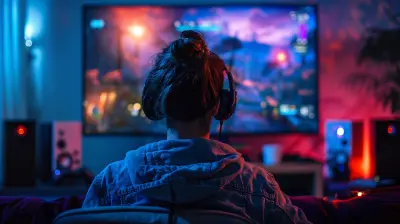
Ever dreamt of turning your living room into your ultimate gaming sanctuary? You're not alone. Whether you're a die-hard console fan, a PC gamer with a flair for comfort, or you just want a cozy multiplayer setup for weekend hangouts, transforming your living room into a full-fledged gaming arena is both doable and insanely rewarding.
So, if you're ready to ditch that cramped desk setup and embrace an immersive gaming lifestyle without leaving your couch, buckle up. We’re about to dive deep into everything you need to know to create a killer gaming space that’s equal parts stylish and high-performing.
Why Your Living Room Deserves an Upgrade
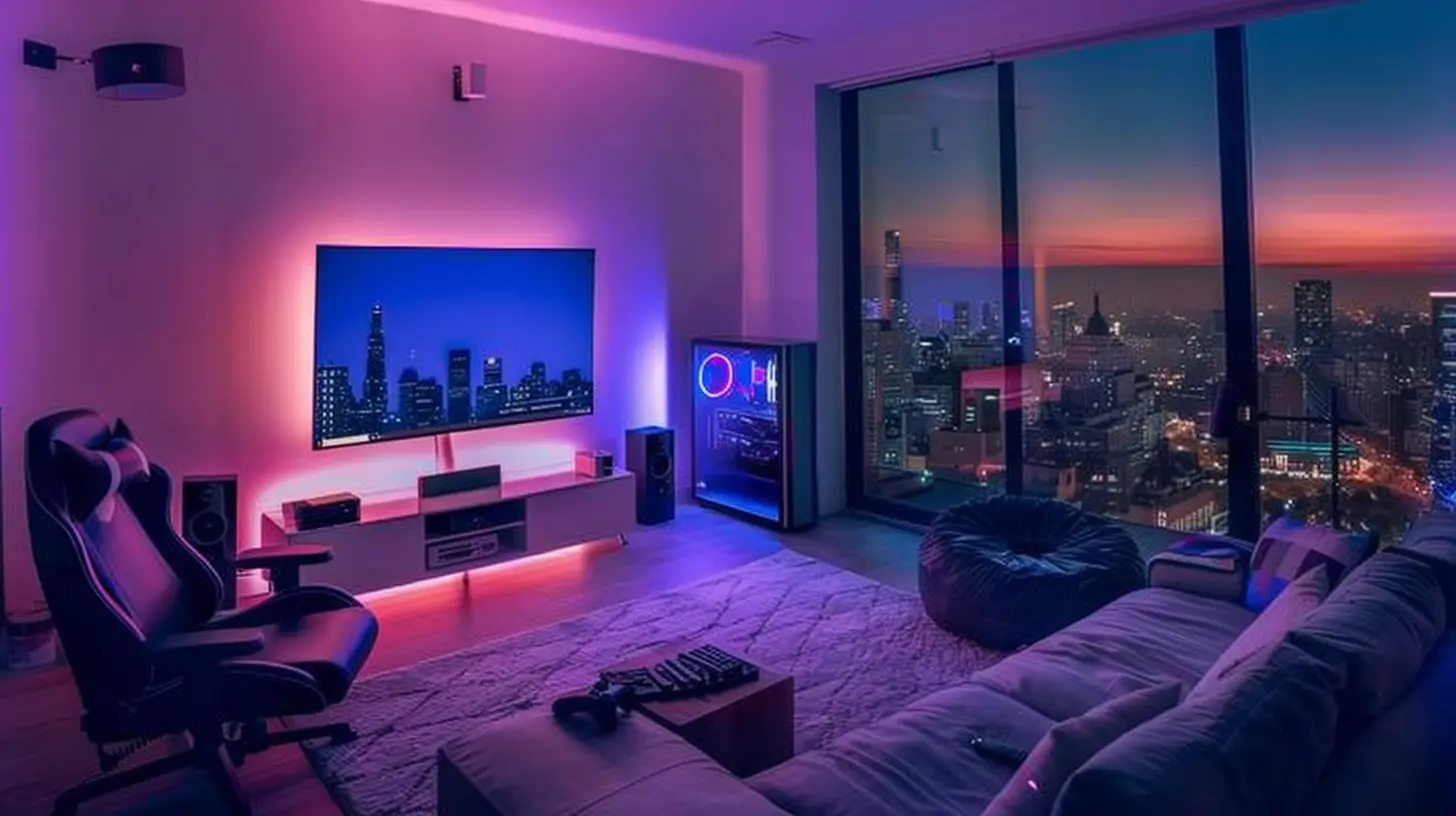
Let’s be honest—gaming isn’t just a hobby anymore; it’s a full-blown experience. Gone are the days of crouching over a tiny monitor in a dimly lit corner. Your living room is prime real estate. It's spacious, comfortable, and offers plenty of potential for that cinematic, surround-sound, lights-flashing, adrenaline-pumping gaming experience we all crave.Think of it like this: your living room is the blank canvas, and you're the artist painting your perfect gaming masterpiece. Sounds epic, right?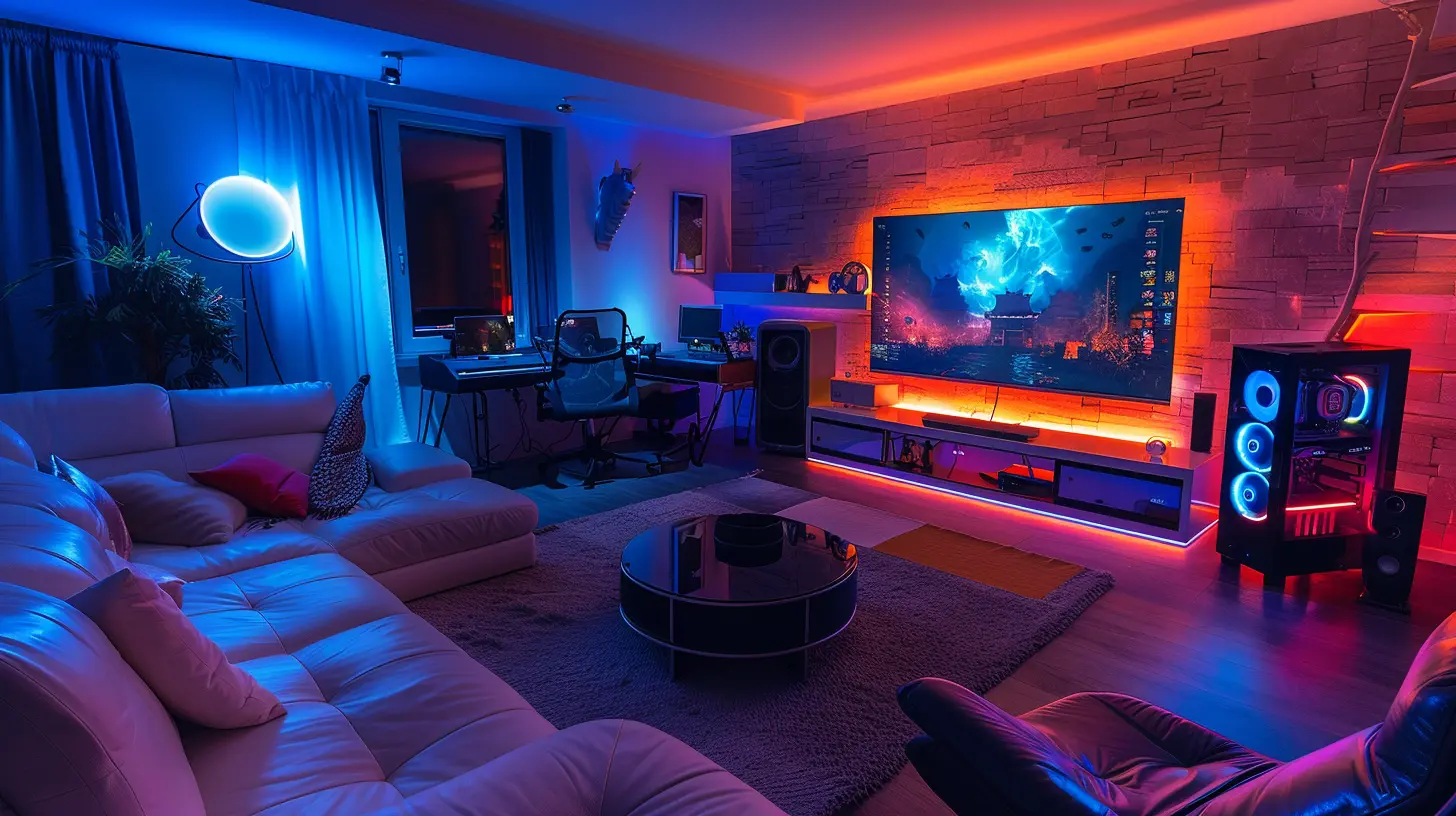
1. Start With the Right Display
Bigger Is Better (Usually)
The display is the heart of your living room gaming setup. If you're still rocking that old-school 32-inch TV, it's time to upgrade. Most living room gamers swear by 55 to 75-inch 4K TVs with low input lag and high refresh rates. Why? Because it makes your games look absolutely stunning, and every pixel pops with detail.OLED vs LED: What’s the Difference?
OLED gives you inky blacks and fantastic contrast—perfect for atmospheric games like Resident Evil or The Last of Us. LED panels are generally more affordable and brighter, which is great if your room gets a lot of sunlight. Choose based on your lighting situation and your gaming preferences.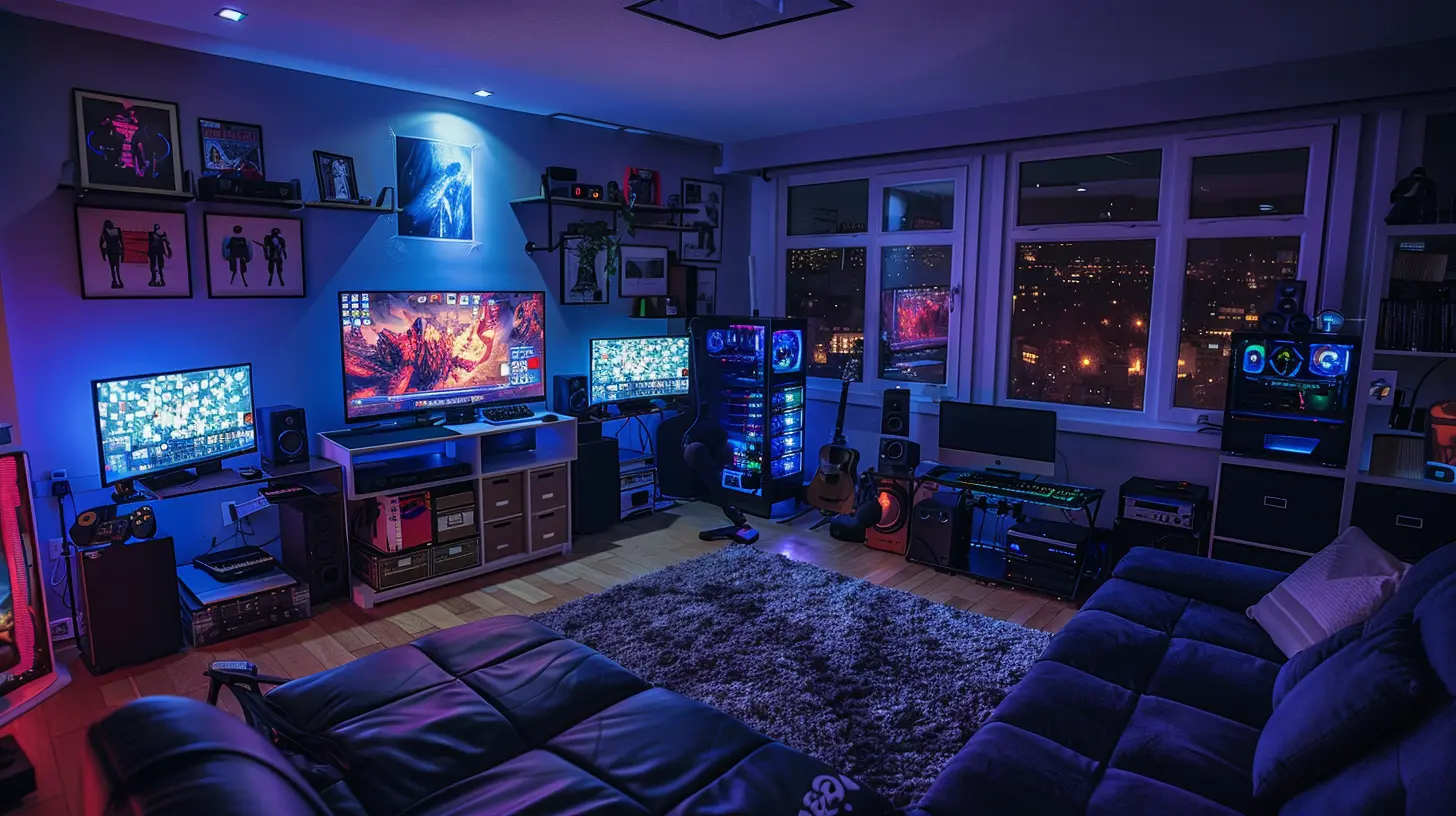
2. Sound That Shakes Your Soul
Built-In Speakers Just Don’t Cut It
You haven’t truly heard a grenade explode until you've felt your couch vibrate. A good sound system is a game-changer.You can go with:
- Soundbars with subwoofers – Easy to install and powerful enough for most living rooms.
- Surround sound systems (5.1 or 7.1) – For full immersion, especially with first-person shooters and racing games.
- Gaming headsets – Great if you live with people who don’t exactly love hearing explosions at 2am.
Bonus Tip: Look for systems that support Dolby Atmos for directional audio that actually feels like it's bouncing around the room.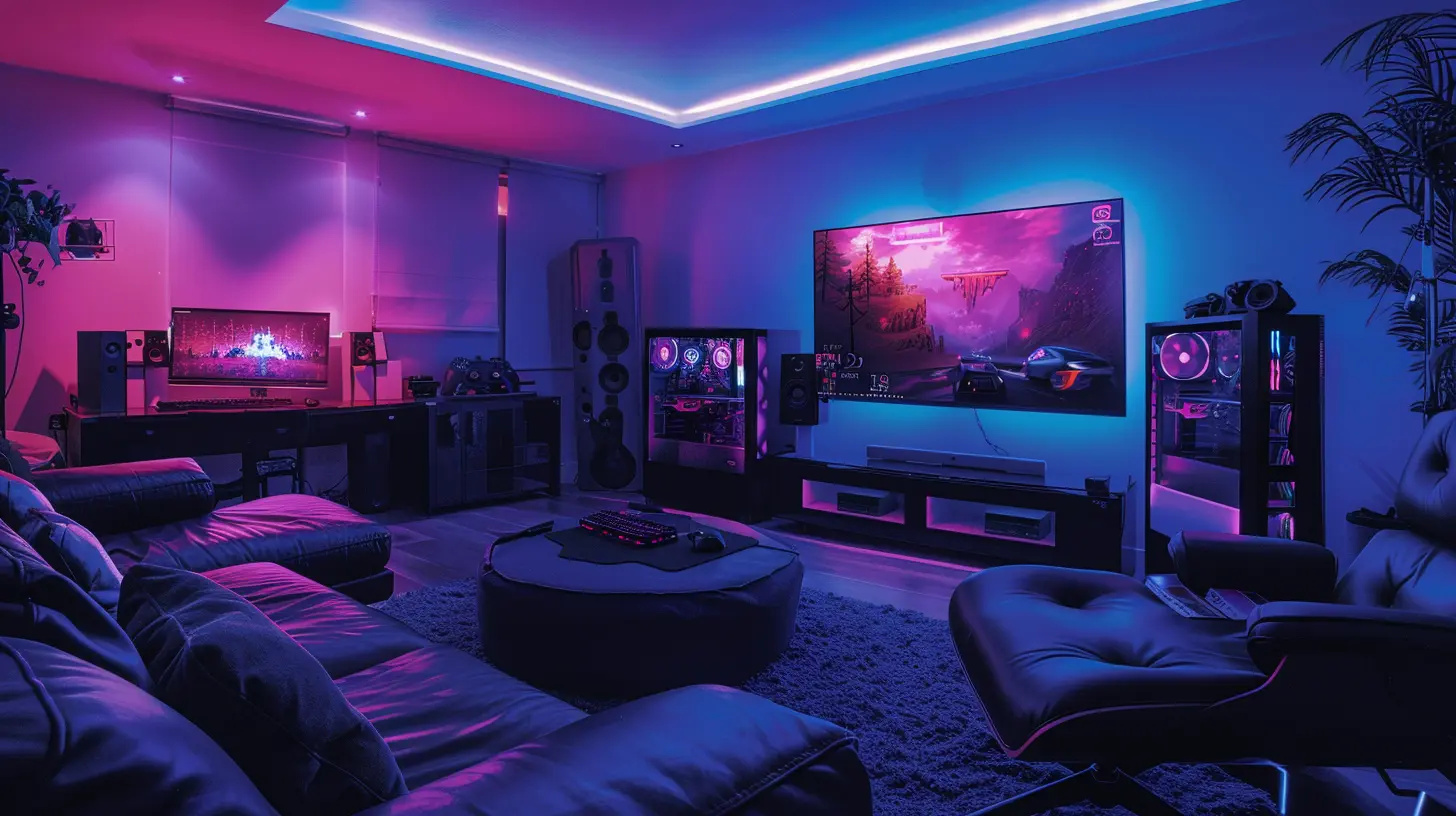
3. Choose Your Weapons (AKA Consoles & PCs)
Console Lovers Rejoice
Whether you're loyal to PlayStation, Xbox, or Nintendo, your console needs to be front and center. Use a media cabinet or floating shelf to keep everything organized and close to your seating area. And don’t forget those controller chargers—your future self will thank you.PC Gaming in the Living Room?
Absolutely. Steam Deck, Nvidia Shield, or even a wireless HDMI setup can help stream your games to the big screen. If you're on the high-end side, building a mini-ITX gaming PC specifically for your living room is a solid move.Make sure to invest in a wireless keyboard, mouse, or even a controller that suits your favorite games.
4. Get Comfy: Seating Is Everything
You're going to be clocking in some serious hours here, so comfort is key.Couch Gaming FTW
Opt for an ergonomic sofa with built-in recliners or even cup holders (because who wants to pause Fortnite for a soda break?). Don’t be afraid to go a little bougie with your choice—your back will thank you later.If you live alone or game solo, consider a gaming chair with lumbar support. Bonus points if it has built-in speakers and haptic feedback.
5. Light It Up Like a Pro
Ambiance Isn’t Just for Fancy Restaurants
Lighting has the power to set the mood. Try smart LED strip lights behind your TV or even under your shelves. You can sync them with your game for that extra blast of immersion.Philips Hue, Govee, and Nanoleaf panels are gamer favorites. Imagine your walls glowing red during a firefight or pulsing blue underwater. Yeah—it’s that cool.
6. Tame the Cable Monster
Okay, we need to talk about cable management. Nothing kills a vibe faster than messy wires dangling everywhere.Go Wireless Where You Can
- Wireless controllers- Bluetooth headphones
- Wireless keyboard and mouse
Manage the Rest
Use cable sleeves or zip ties to group cords. Mount power strips behind furniture. Heck, label the cables if you’re feeling ultra-organized. Future-you will thank now-you during the next console swap or upgrade.7. Storage: Hide the Chaos
Game cases, headsets, consoles, remotes… it adds up quickly. The key to a true gaming arena is making it look clean and intentional.- Use shelves or cubbies to organize gear.
- Wall-mount your controllers for easy access and decoration.
- Add a hidden drawer for snacks (because, priorities).
8. Multiplay Like a Master
Are your friends coming over for split-screen chaos or some couch co-op? Your setup needs to handle group gaming too.Try This:
- Multiple controllers charged and ready- Plenty of space for people to spread out
- Secondary display or small monitor for casual side-games or scoreboard tracking
And don’t forget to stock up on soft drinks and chips. A hungry gamer is an angry gamer.
9. Connection is King
You don’t want lag ruining a boss fight or a battle royale. A strong, stable internet connection is a must.Upgrade Where It Matters
- Use Ethernet whenever possible – Wi-Fi is great, but Ethernet is better.- Get a good gaming router – Prioritize speeds and reduce latency.
- Mesh Wi-Fi – If your modem’s in a different room, mesh routers can ensure your living room gets the speed it needs.
10. Decor That Screams "Gamer"
This is your arena, so let it reflect your style.Add Personality
- Posters or framed art from your favorite games- Collectible displays (Amiibos, anyone?)
- LED signs with game logos or custom gamertags
Make it feel like YOUR space. You’re building a vibe, not just setting up gadgets.
11. VR-Friendly Layout? Why Not!
If you’re into VR gaming, make sure you’ve got enough space to move around without knocking over your furniture—or your cat.- Clear an area of at least 6x6 feet
- Use rugs or floor mats to define the space
- Consider wall mounts or ceiling hooks for VR cables
12. Future-Proofing Your Gaming Arena
Technology moves fast. Making your setup modular and flexible will save you headaches down the line.Think Ahead
- Leave room for console upgrades- Use open shelves to fit larger hardware
- Keep spare HDMI and USB ports easily accessible
And always—ALWAYS—back up your game saves. Trust me on this one.
Final Thoughts
Creating a gaming arena in your living room isn't about blowing all your money on flashy tech. It's about building a space where you can lose yourself in a world of fantasy, competition, and community—without compromising comfort or style.It’s your battleground, your racing track, your enchanted forest—your escape. So unleash your creativity, lean into your passion, and let your living room become the ultimate gaming haven it deserves to be.
Happy gaming, legend.
all images in this post were generated using AI tools
Category:
Local Multiplayer GamesAuthor:

Audrey McGhee
Discussion
rate this article
2 comments
Arden Hines
Forget the couch, bring on the gaming throne and snacks!
May 2, 2026 at 4:28 PM
Audrey McGhee
Absolutely! A gaming throne and plenty of snacks are essentials for the ultimate gaming experience. Let's gear up!
Alice Price
Transforming space is key; balance comfort with immersive gaming experience.
April 23, 2026 at 3:49 PM
Audrey McGhee
Absolutely! Finding that perfect blend makes all the difference for a great experience.