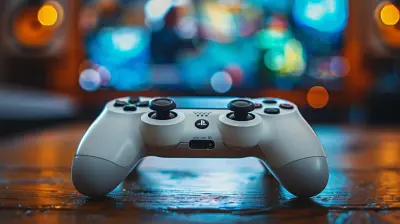
How to Host the Ultimate Local Multiplayer Game Night
26 June 2026
Let’s be honest—there’s something magical about gathering your favorite people in one room, loading up a game, and reveling in the chaos that only local multiplayer can deliver. No lag. No randoms. Just snacks, laughter, and a whole lot of friendly (or not-so-friendly) competition.
Whether you’re a button-mashing veteran or planning your first-ever game night, this guide has you covered. From setup tips to snack hacks and choosing the perfect games, let’s break down how to host the ultimate local multiplayer game night—one your friends will talk about until the end of time (or at least until the next one ??).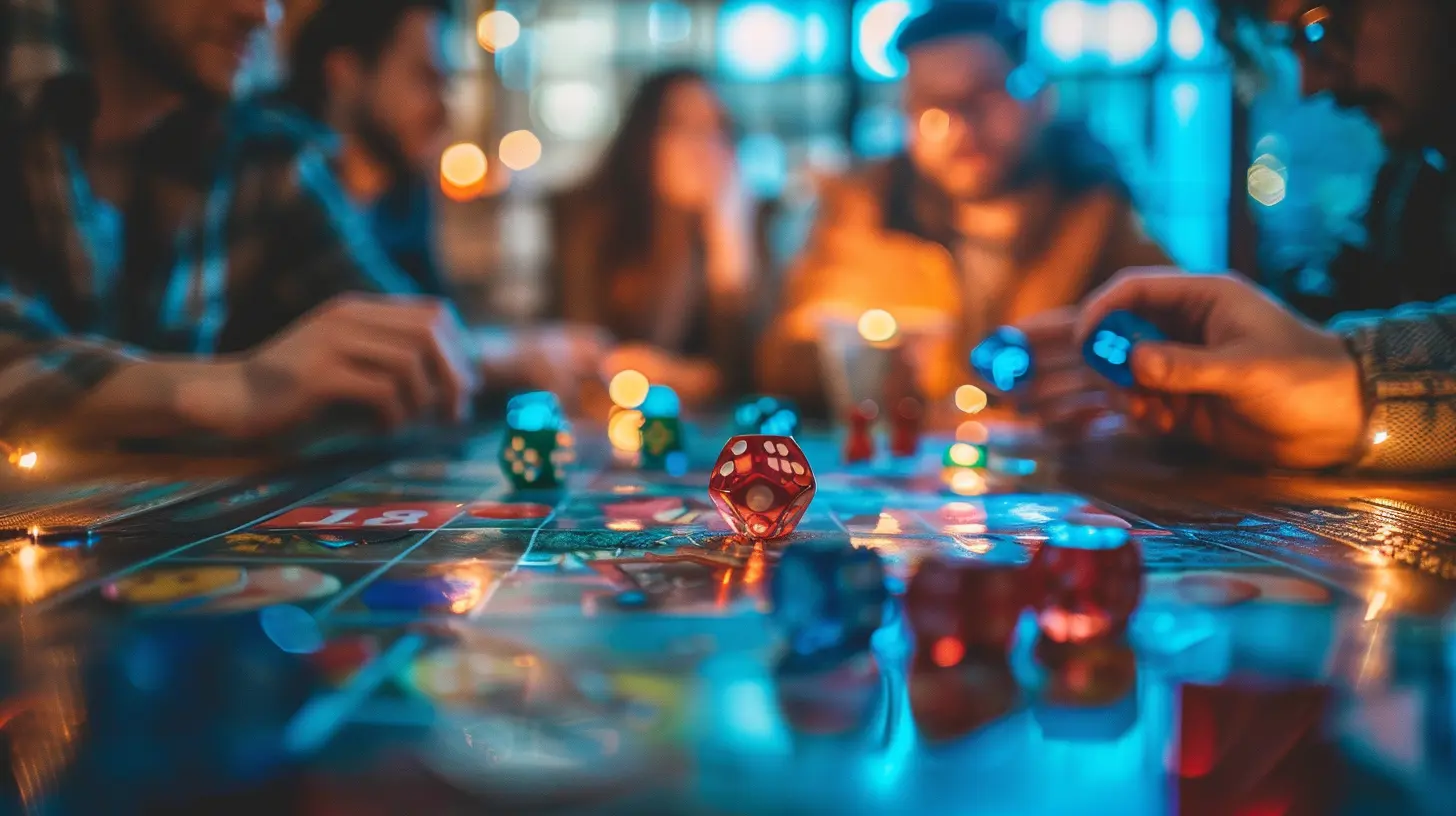
? Why Local Multiplayer Still Rules
Sure, online multiplayer games are convenient. You can play in your PJs, and no one knows you ate an entire bag of chips solo. But there’s a unique, unmatched energy that local multiplayer brings to the table.Imagine this: Someone just sabotaged you in Mario Kart, and you don’t type “k.” You turn and give them the death stare in real life. That’s peak gaming right there.
Local multiplayer reignites that old-school camaraderie—couch gaming magic that turns friends into rivals and back to friends again in 30 seconds flat.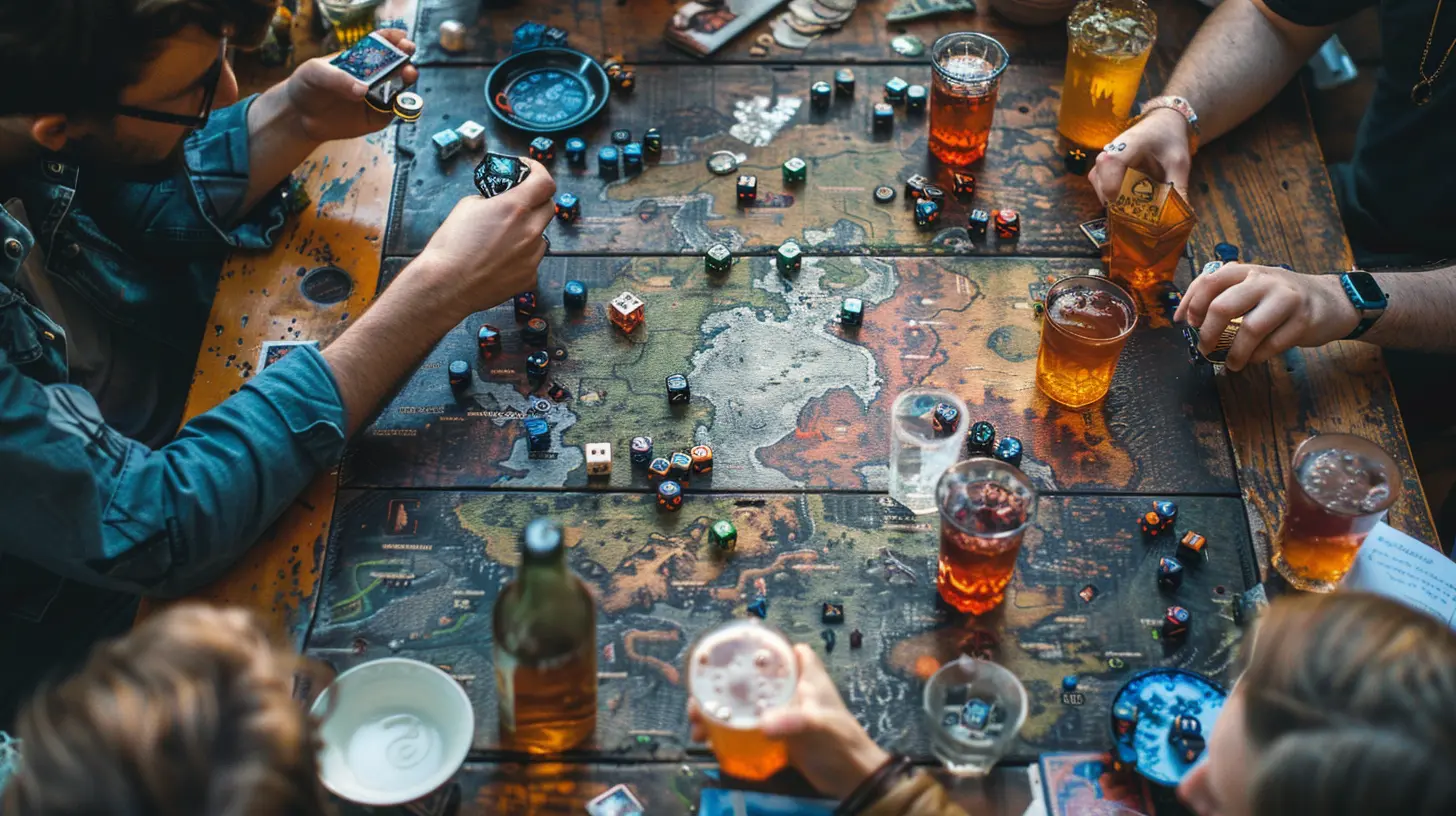
?️ Step 1: Set the Stage (Literally)
Game nights are more than just booting up your console. They need ambiance—like parties, but with more yelling and joysticks. So let’s prep the battlefield.1. Seating Is Strategy
Comfort is king. Get enough chairs, bean bags, or floor pillows so everyone’s tush is happy throughout the night. No one wants a numb behind halfway through Smash Bros.And try to arrange seating with a good view of the screen. You don’t want poor Dave craning his neck behind a potted plant trying to see who won.
2. The Screen Situation
Big screen = big win. The larger the display, the better the gameplay, especially if you’re splitting the screen into 4 (or more—chaotic but so fun). If you’ve got a projector lying around unused, this is its time to shine. Literally.3. Controllers Galore
Check those batteries, folks! Make sure you’ve got enough controllers for everyone and that they’re fully charged or loaded with fresh batteries. Borrow extras if needed, and test all of them before game night starts.(Trust me, fighting over a broken analog stick mid-game is a vibe killer.)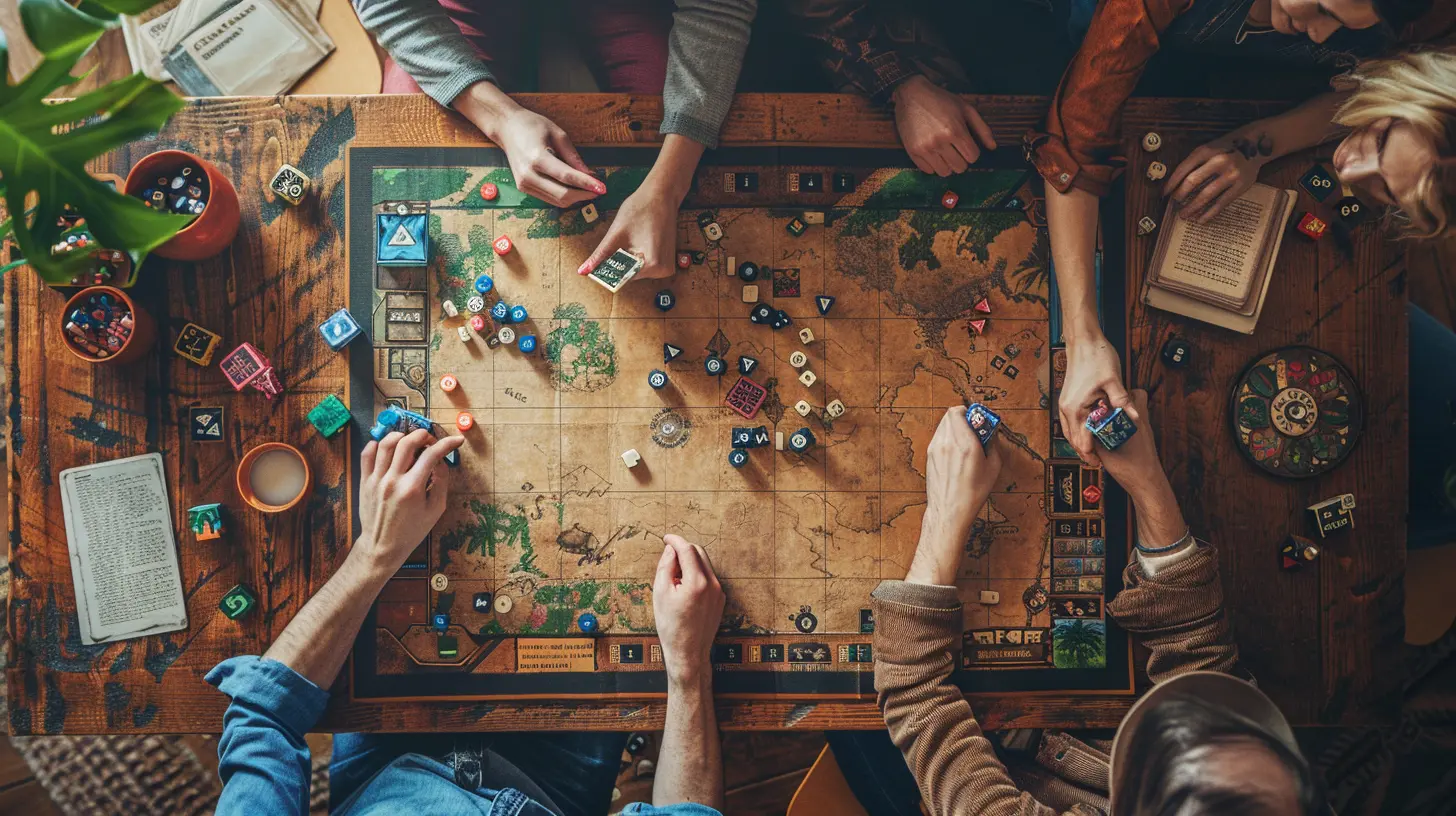
? Step 2: Fuel the Fighters
Nobody games well on an empty stomach. Hungry players are grumpy players. Feed them, and feed them well.1. Easy Eats
Keep things finger-friendly—think pizza, sliders, chips, popcorn. Foods you can grab without pausing the game. Bonus points for anything served in bite-size form.Avoid anything too messy. We love hot wings, but greasy fingers and controllers? That’s a crime against gaming.
2. Drinks for Days
Stock a mini drink station with soda, water, and maybe a few adult beverages (if that’s how your party rolls). Don’t forget napkins and coasters—because sticky tables are the enemy.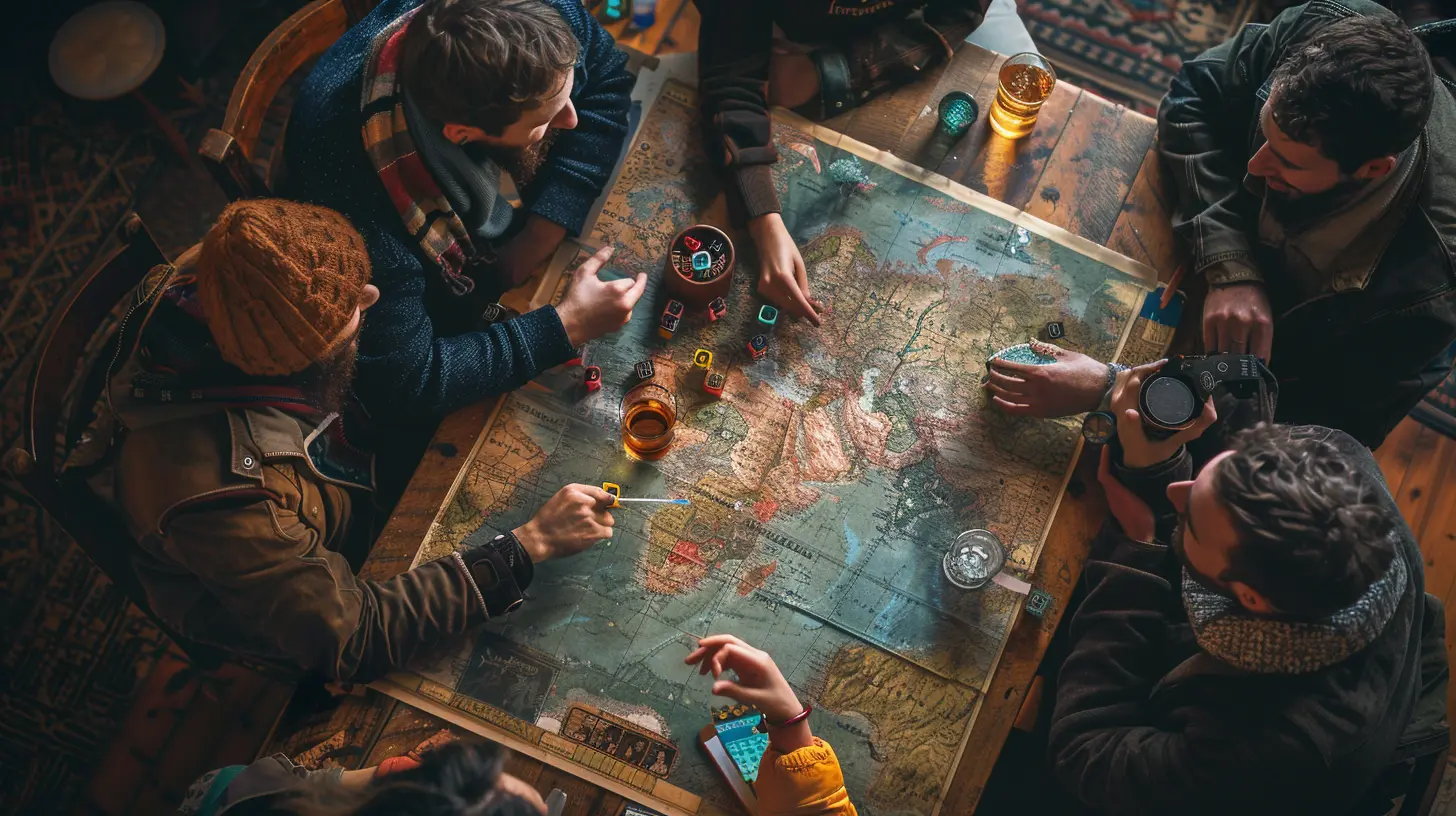
?️ Step 3: Choose the Right Games
This is the heart of your game night. The lineup can make or break the evening, so pick wisely.We’re aiming for fun, chaos, and accessibility (nobody wants to spend 30 minutes learning controls).
Perfect Party Game Picks:
1. Mario Kart 8 Deluxe (Switch)
Pure, unfiltered joy and rage. It’s easy to pick up, even for non-gamers, and every round is a chance to take down your enemies with a Blue Shell of doom.2. Overcooked! All You Can Eat (Switch, PS4/5, Xbox, PC)
Want to watch your friendships be tested in a kitchen-based frenzy? This one turns cooperative play into delightful chaos. Screaming about onions has never been this fun.3. Super Smash Bros. Ultimate (Switch)
Iconic characters, wild brawls, and complete mayhem. Four-player matches will keep everyone on edge and the laughs rolling.4. Gang Beasts (PC, consoles)
A floppy, physics-based fighter that looks like jellybean wrestlers in a bar fight. It’s dumb, it’s hilarious, and it’s perfect for game night.5. Jackbox Party Packs (PC, consoles)
No controllers needed—just smartphones! These games are awesome for larger groups and are guaranteed to get even shy folks involved.6. Rocket League (PC, consoles)
Soccer with rocket-powered cars. Enough said.> Pro tip: Have a few games pre-installed and ready to go. Avoid patches or updates during game night—it’s the fastest way to kill the mood.
?️ Step 4: Plan the Flow of the Night
There’s a fine art to pacing your night. You want energy levels high without hitting a wall halfway through.Kick Things Off With Casual Games
Start with something light and inclusive (hi, Jackbox!) to get everyone warmed up and used to holding a controller (or phone!).Peak with Competitive Chaos
Once folks are comfy, unleash the bigger games like Smash Bros. or Mario Kart. This is your game night’s main event—let the trash talk fly.Cool Down with Co-op
End the night on a cooperative note with Overcooked or something more mellow like a shared puzzle game. Wind down the hype and let folks laugh off the chaos before calling it a night.? Bonus Touches That Make You a Game Night Legend
Want to elevate from “fun host” to “game night god”? Here’s how.Custom Trophies or Awards
Print out silly awards like “Most Epic Fail,” “Trash Talk Champion,” or “Best Couch Potato.” A little paper trophy goes a long way to make memories.Themed Nights
Pick a theme—Retro Night, Battle Royale Bash, or Cozy Couch Co-op. Tell guests to dress up or bring snacks on theme. It’s goofy, but it cranks the fun up 100%.Background Playlist
Have a music playlist for when games aren’t on or during breaks. Keep it low, light, and gamey—think lo-fi Nintendo beats or 8-bit bangers.? Handling the Uninvited Guests: Technical Glitches
Tech issues are like mini-bosses. You can beat them; you just need to come prepared.- Internet not required: Most local multiplayer doesn’t need Wi-Fi. That said, test any game that might need occasional connectivity beforehand.
- Spare cables: HDMI cords, charging cables, and adapters tend to vanish when you need them most. A backup stash is key.
- Game updates: I’ll say it again—run updates before your friends arrive. No one wants a 1.2GB download standing between them and victory.
?️ Step 5: Know When to Call It
Hard truth: all good things must end. Know your audience, and don’t drag the night on until everyone’s yawning into their controllers.Wrap things up on a high note after a final round or silly awards ceremony. Let people leave wanting more.
You’ll know you did it right when they ask, “So…when’s the next game night?”
? Aftercare: The Host’s Victory Lap
Once the crowd is gone and the pizza boxes have settled, take five to appreciate your work. Then:- Plug in and charge all the controllers.
- Wipe down your hardware (sweaty hands happen).
- Store games and cords neatly for next time.
- Reward yourself with leftover snacks and a solo victory lap in Mario Kart.
Hosting is hard work—but you crushed it.
? Final Thoughts: Build the Tradition
Hosting the ultimate local multiplayer game night isn’t just a one-time gig. Make it a regular event—a monthly tradition or a spontaneous weekend jam.Gaming is better with friends. And friends are better when you’re throwing banana peels at them at 200cc.
So grab your controllers, fire up the console, and let the good times roll. Game night is calling. Are you ready to answer?
all images in this post were generated using AI tools
Category:
Local Multiplayer GamesAuthor:

Audrey McGhee
Discussion
rate this article
1 comments
Jane Oliver
Great article! To elevate your game night, consider mixing classic and modern games to appeal to all skill levels. Don't forget snacks and drinks to keep the energy up. A comfy setup with enough seating will ensure everyone enjoys the experience. Happy gaming!
July 1, 2026 at 2:36 PM
Audrey McGhee
Thanks for the tip! Mixing games sounds fun, and I totally agree about the snacks and comfy setup. Happy gaming to you too!