How to Build the Ultimate Local Multiplayer Setup
9 March 2026
Remember the good old days of crowding around a CRT TV, controllers tangled like spaghetti, trash-talking your best friends in person, and laughing until your stomach hurt? Yeah, local multiplayer brings a unique kind of magic that online play just can’t replicate. Whether you're setting up for a nostalgic night of couch co-op or stepping up your game for high-octane competitive matches, having the right local multiplayer setup can make or break the experience.
In this guide, I’m walking you through everything you need to build the ultimate local multiplayer setup — from gear and games to ambiance and snacks. So grab your controller, call your squad, and let’s dive in!
🎮 Why Local Multiplayer Still Slaps
You might be thinking, “Hey, isn’t online gaming more convenient?” Yeah, it’s got its perks. But local multiplayer hits different. There’s something irreplaceable about face-to-face competition and co-op chaos. The reactions are real-time, the high-fives are physical, and the vibe? Absolutely unmatched.Local multiplayer is about connection in its purest form — no lag, no mute buttons, just raw skill and unfiltered fun. Trust me, once you’ve experienced a well-setup local gaming night, you’ll get hooked.
🏠 Choose the Right Space
Let’s start with the foundation — your gaming environment. You don’t need a man cave or a neon-lit dungeon (though that’s pretty cool), but you do need a functional space.Things to Consider:
- Room Size: Enough for 3-6 folks to sit comfortably without elbowing each other during Mario Kart.- Power Supply: Easily accessible outlets for consoles, TVs, and charging stations.
- Ventilation: Gaming gets sweaty. Make sure the room isn’t a sauna.
- Lighting: Soft, ambient lighting works best — you want a vibe, not a spotlight.
- Seating: Beanbags, gaming chairs, a comfy couch — whatever works for your squad.
Tip: Let your roommates or family know in advance. Save yourself some mid-fight interruptions.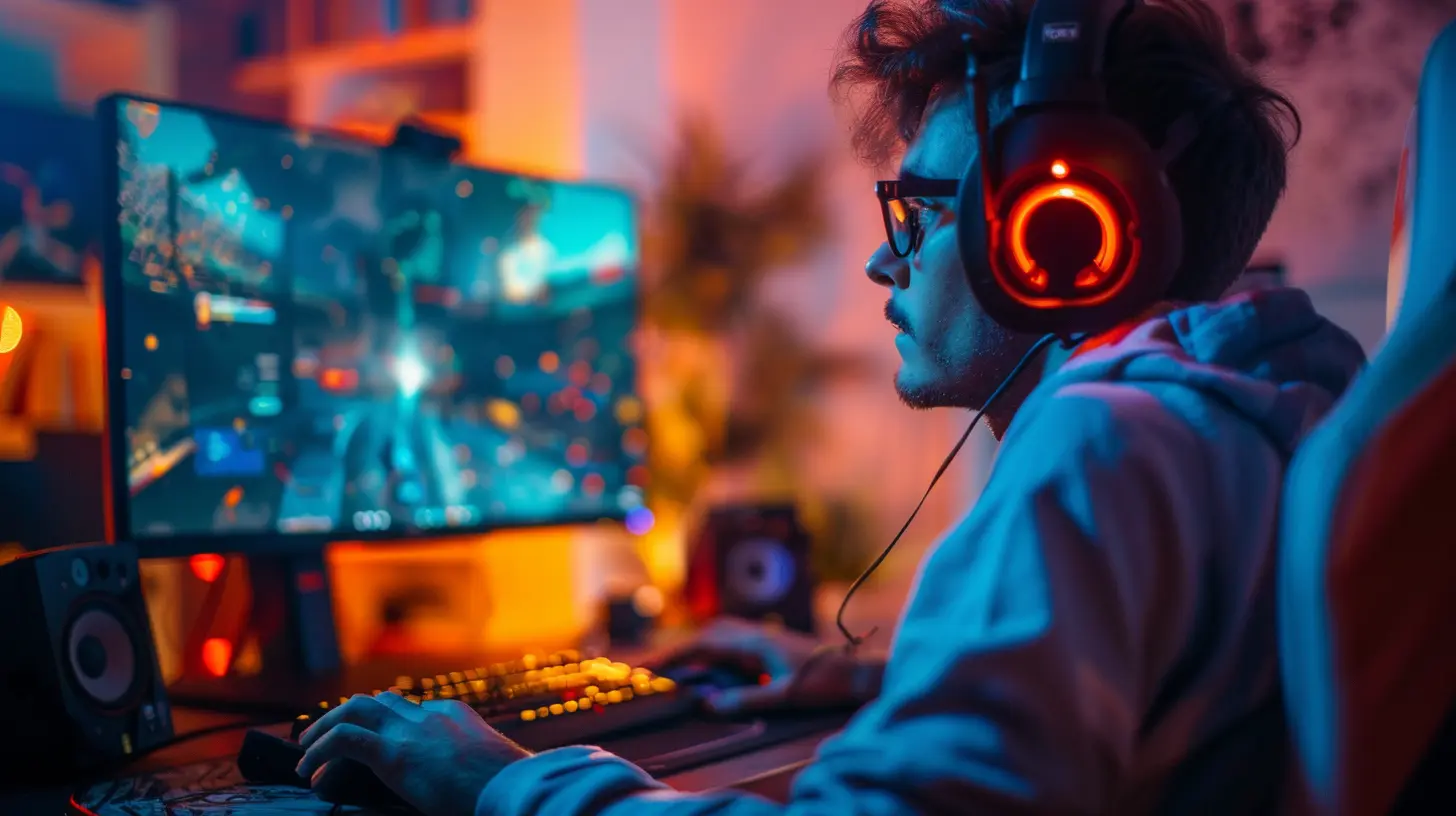
🖥️ Pick the Perfect Display Setup
Now we’re talking hardware. The heart of a local multiplayer setup is the screen. Or... screens.Option 1: One Big TV
That massive 4K TV in your living room? That might do just fine.- Pros: Everyone sees the same thing. Great for split-screen and party games.
- Cons: Screen gets crowded with 3+ players. Text can be tiny.
Option 2: Multiple Monitors/TVs
If you're hosting serious matches (think Halo tournaments or Smash Bros showdowns), this is gold.- Pros: Full screen per player. No peeking. Maximum immersion.
- Cons: Requires more hardware and space.
No matter what, aim for at least 1080p and low input lag. A delay between pressing a button and seeing the action? That’s a buzzkill.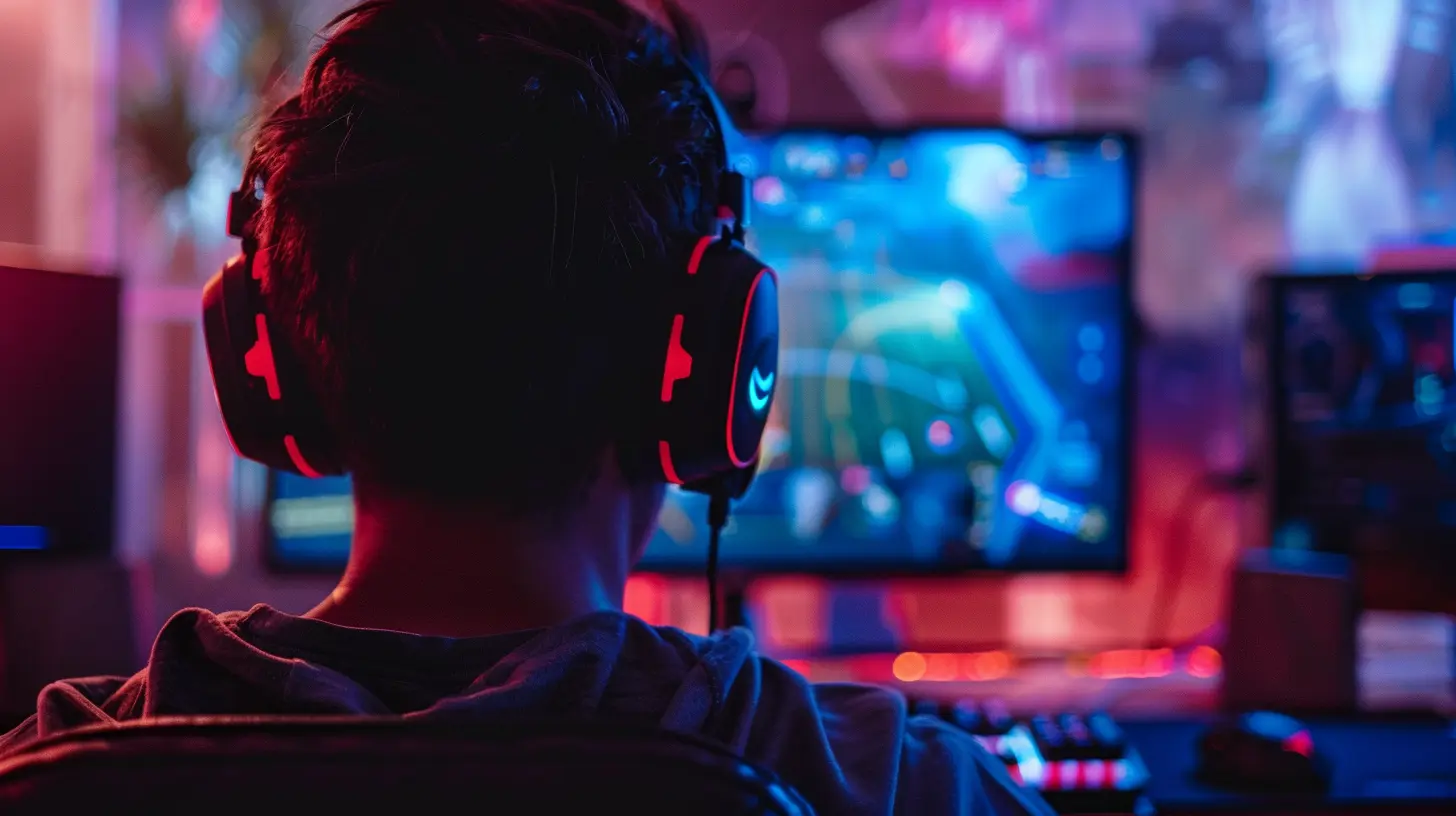
🕹️ Choose the Right Console and Games
Here’s where preferences come into play. What kind of games does your crew love?Popular Consoles for Local Play:
- Nintendo Switch: The king of couch co-op. From Mario Party to Smash Bros, it's a party in a box.- PlayStation 5: Stellar for action co-op games and cinematic multiplayer.
- Xbox Series X/S: Great for racing, shooters, and sports games like FIFA or NBA 2K.
- PC (with Multiple Controllers): More flexible, but setup can be trickier. Steam’s Big Picture Mode helps a lot.
Pro Tip: Keep your consoles updated and charge your controllers before the night begins. Nothing kills momentum like a dead battery mid-game.
🕹️ Best Local Multiplayer Games Right Now
Let’s be real — the equipment is only half the battle. The games? They’re the heart of your setup. Here are some no-fail bangers for all types of gamers:Party Games:
- Mario Party Superstars (Switch)- Overcooked! All You Can Eat
- Gang Beasts
- Jackbox Party Pack (use smartphones as controllers)
Fighting Games:
- Super Smash Bros. Ultimate- Mortal Kombat 11
- Tekken 7
- Street Fighter V
Sports Games:
- FIFA Series- NBA 2K Series
- Rocket League
Co-op Adventures:
- It Takes Two- Diablo IV
- Cuphead
- LEGO Star Wars: The Skywalker Saga
Racers:
- Mario Kart 8 Deluxe- Crash Team Racing Nitro-Fueled
- Forza Horizon 5
Mix it up! Start with casual fun, then crank up the competition.
🎧 Sound Matters — Don’t Ignore This
Sound elevates everything. Imagine playing Mortal Kombat without the bone-crunching audio. It’s like watching a horror movie on mute. Just... no.Your Sound Options:
- TV Speakers: Fine for casual play, but can be muddy.- Soundbars: Easy upgrade, great balance.
- Surround Sound: Next-level immersion, especially for shooters and sports.
- Bluetooth Headsets: For when you need quiet but don't want to lose any clarity (works best with PC/console compatibility).
Also, consider your neighbors — don’t crank it to 11 unless you’ve got soundproofing (or friendly neighbors).
🔌 Gear Up the Right Way
Let’s get into the nitty-gritty — your toolkit for local gaming domination.Controllers
- Always have extra. Even if it means borrowing from a friend.- Fully charged or stock up on batteries.
- Label them or color customize (nothing worse than guessing whose controller is dead).
Charging Stations & Cables
- Dock your controllers during breaks.- Long USB-C and Micro-USB cables = lifesavers.
Adapter/Hub (for PC setups)
If you're gaming on PC, you’ll likely need:- USB hubs for multiple controllers
- HDMI splitters or additional GPU ports
Backup Storage
Games are massive these days. External SSDs are clutch for storing extra games and ensuring speedy loads.🍕 Don’t Forget Snacks (Seriously)
Food is fuel. Keep it simple, mess-free, and easy to manage between rounds.Top Snack Picks:
- Pizza (classic)- Chips + Dip
- Finger foods: sliders, nuggets, taquitos
- Soda, energy drinks, and water (hydrate, people!)
Avoid: Sticky stuff, greasy foods without napkins, and anything requiring utensils. One spill can wreck your gear faster than a rage quit.
🌐 Keep It Offline (Mostly)
You don’t need a strong internet connection for local games — but hey, updates exist. Connect once before your session to:- Download/Update games
- Sync cloud saves
- Check for controller firmware updates
Then go offline to avoid random downloads hogging your system mid-session.
Bonus? No online lag, no disconnects, and total control of your experience.
🎉 Create the Vibe
You want your setup to feel like an event — not just a “let’s hang out.”Add These:
- LED lighting (match game themes for extra flair)- Themed decor (Mario Kart night? Go all in!)
- A scoreboard or whiteboard for keeping track of wins
- Playlist in the background during menu/staging screens
Trust me, the details make it memorable.
🧼 Post-Game Cleanup & Maintenance
Nobody likes the mess afterward, but it's a necessary evil.- Wipe down controllers (snack fingers, remember?)
- Turn off and unplug devices
- Store cables and hardware safely
- Toss trash and leftover food
Bonus tip: Assign a quick cleanup “crew” before gaming starts. It makes the effort feel fair and fast.
🧠 Bonus Tips for Hosting Like a Pro
- Rotate games to keep things fresh- Have a tournament bracket ready
- Set house rules (no “screen peeking,” punish ragers with a timeout)
- Control your game time — don’t let it run till 3AM unless you’ve got nowhere to be tomorrow
- Encourage different teams each round for mixing it up
And remember — it’s all about fun. Tilted players? Time for a snack break!
🏁 Final Thoughts
Building the ultimate local multiplayer setup isn’t just about hardware — it’s about heart. Whether you're creating a casual game night or a serious weekend showdown, the key is making people feel included, entertained, and a little competitive.Invest in the right gear, stock up on great games, bring the snacks, and create an atmosphere that screams “best night ever.” With just a bit of effort, your game space can be the go-to hub for multiplayer madness.
So what are you waiting for? Game night’s calling. Let’s go!
all images in this post were generated using AI tools
Category:
Local Multiplayer GamesAuthor:

Audrey McGhee
Discussion
rate this article
3 comments
Cassandra Holland
Great tips! Building connections through gaming is truly enriching and so rewarding.
April 14, 2026 at 4:25 AM
Audrey McGhee
Thanks! I'm glad you found the tips helpful. Connecting through gaming really does make the experience special.
Georgia Newton
Building the ultimate local multiplayer setup? Just remember: the secret ingredient is snacks! Great games and good friends are awesome, but without pizza and an endless supply of soda, you might as well be playing solitaire!
March 13, 2026 at 4:44 PM
Audrey McGhee
Absolutely, snacks are a must! Nothing beats game night with tasty treats and drinks to keep the energy up. Let's keep that pizza and soda coming!
Elowyn Moore
Great article! You've covered essential tips for creating the perfect local multiplayer setup. I especially appreciated the suggestions on game selection and seating arrangements. Adding some ambient lighting and snacks would elevate the experience even more! Can't wait to apply these ideas for my next game night!
March 11, 2026 at 3:48 AM
Audrey McGhee
Thank you! I'm glad you found the tips helpful. Enjoy your game night!